
This course is designed to give developers a thorough understanding of the Carmenta Engine toolkit. By combining important theory with plenty of hands-on exercises, it ensures that you leave the course fully ready to tackle real-world problems. It is, quite simply, the most cost-effective first step for any professional development team about to start using Carmenta Engine.
Course Curriculum
- Lecture - Layout of Carmenta Studio (6:35)
- Demo - Drag and Drop in Carmenta Studio (8:34)
- Lecture - Minimalistic configuration (1:44)
- Demo - Quick Add (4:48)
- Lecture - The Property Editor (9:33)
- Demo - Editing Properties (10:01)
- Lecture - More tips on Carmenta Studio (4:39)
- Exercise - Working with vector data in Carmenta Studio (15:29)
- Exercise - Working with raster data in Carmenta Studio (16:17)
- Exercise - Relevance and performance of data (14:14)
- Demo - Easy 2D to 3D conversion (8:54)
- Test your learning
- Lecture - Representing Application Data (5:39)
- Exercise - Creating aircraft (7:40)
- Exercise - Using Feature attributes (7:14)
- Exercise - Creating a Polygon with Create Tool (6:29)
- Lecture - Static Data vs Dynamic Data (1:44)
- Exercise - Simulate Moving Objects (6:00)
- Lecture - Typical Use-Case: Retrieving objects on a map (5:16)
- Exercise - Selection and Hover (6:00)
- Test your learning
- Lecture - Achieving Good Performance (4:11)
- Lecture - Filtering (3:58)
- Lecture - Caching (6:31)
- Demo - TileLayer and dynamic objects (1:34)
- Lecture - Indexing (5:01)
- Lecture - Finding performance bottlenecks (1:51)
- Demo - Carmenta Engine Profiler (6:17)
- Lecture - Other high-performance features (3:39)
- Test your learning
There are a number of important elements that need to come together to make a great high performance map application. This is of course particularly true for complex systems like the ones in which Carmenta Engine is typically used.
Developers of such systems face a number of challenges. They need to ensure that their applications are responsive and easy to interact with, but also that they are flexible in their support for different geographical data formats.
In addition to this, most applications handle real-time data that needs to be quickly and accurately visualised in the map as well as in other parts of the application user interface.
This course teaches developers how to handle these and many other challenges!
The course is primarily designed for software developers. Participants are not required to know anything about Carmenta Engine, or indeed about GIS programming.
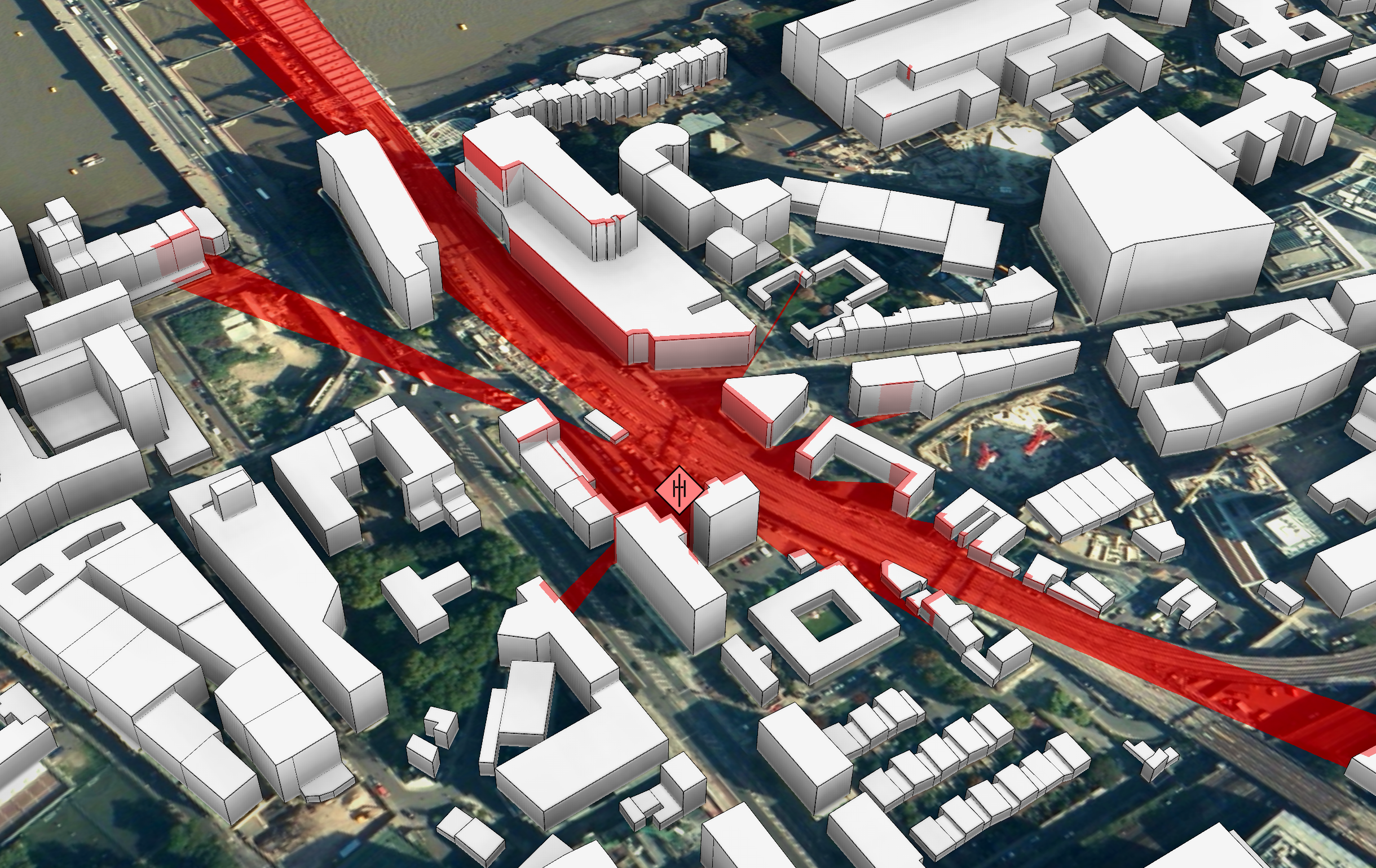
Get to know the different parts of the toolkit, including how to integrate it into your development environment.
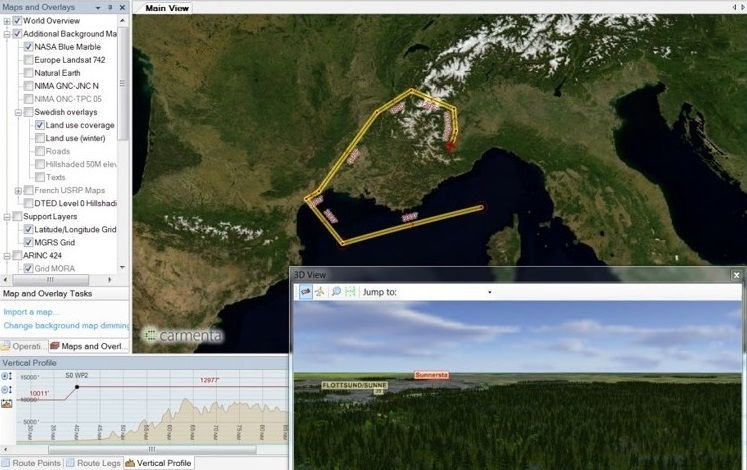
Learn how to handle application data in Carmenta Engine and how to distribute Carmenta Engine applications.
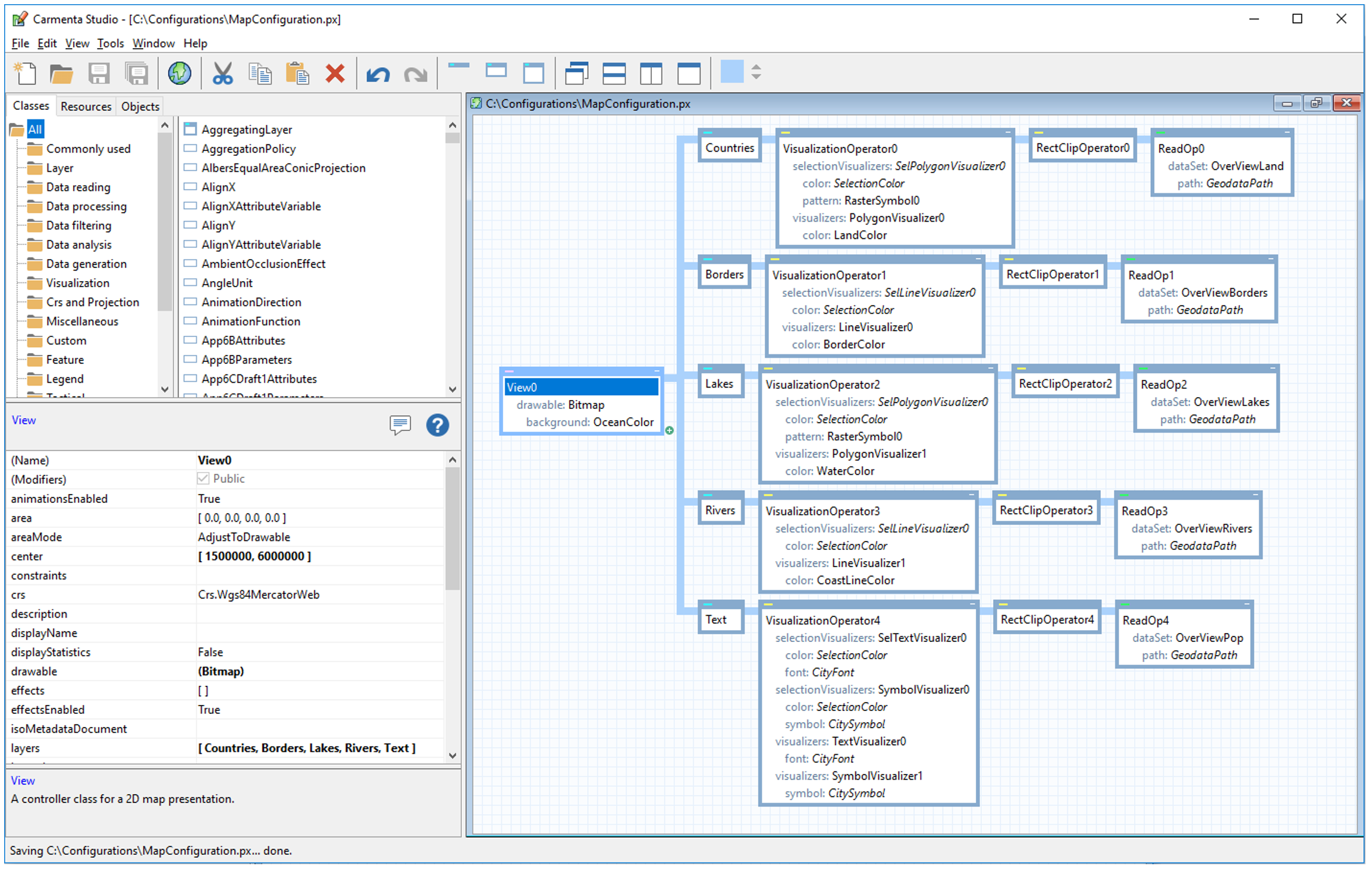
A number of exercises will teach you how to get the most of the Carmenta Engine Visual Map Configuration tool.
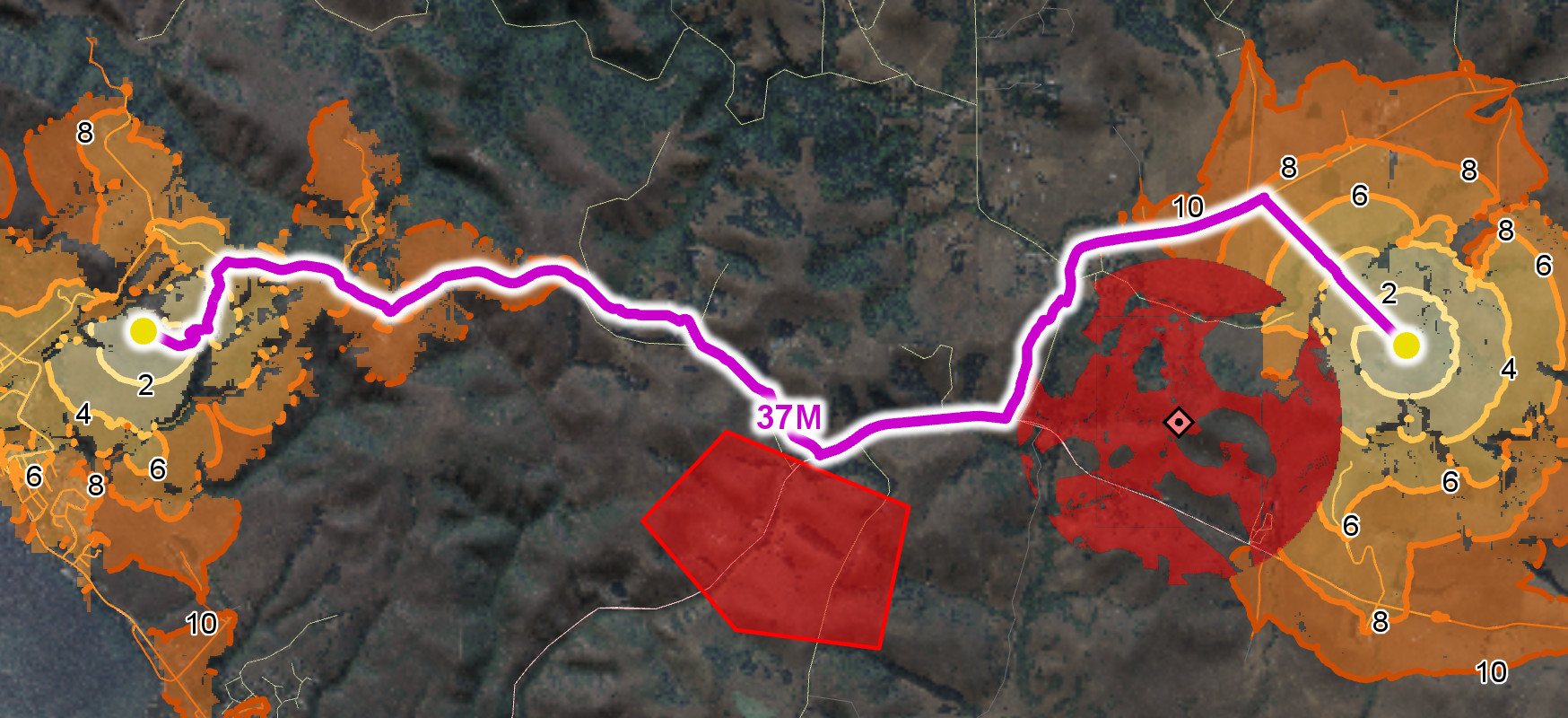
Learn how you can use the power of Carmenta Engine to create good-looking and informative maps.
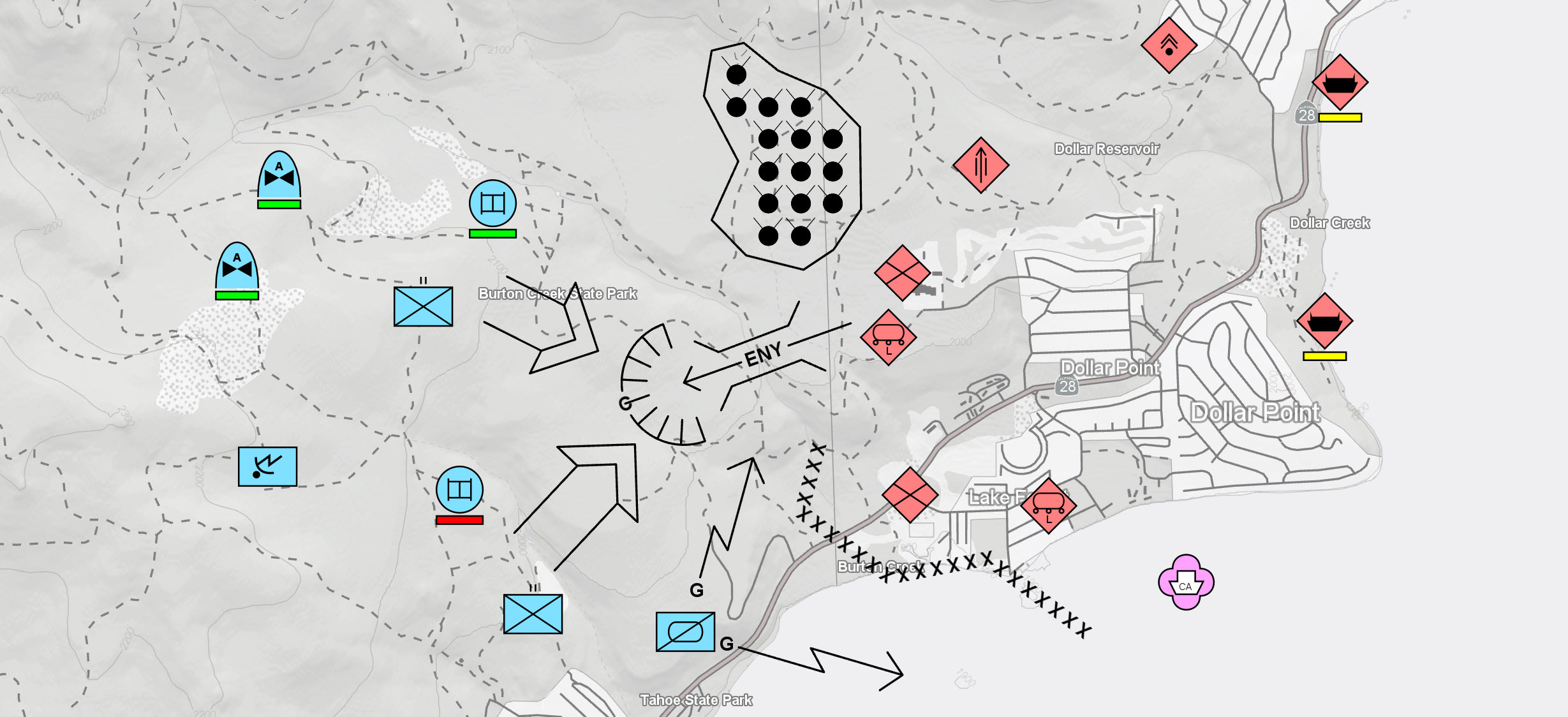
Learn how to extend Carmenta Engine functionality with its Custom Objects plug-in architecture.
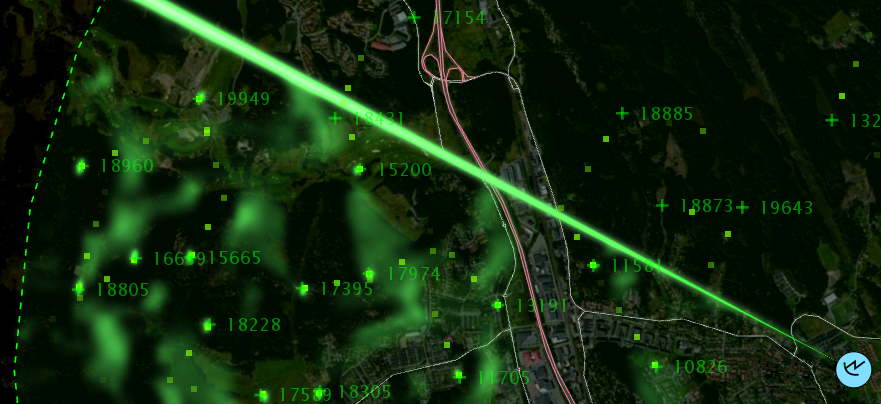
This session is packed with best practices that, when applied, will help you achieve best possible application perfomance.

We're Carmenta Geospatial Technologies!
We have been building technology for mission-critical systems for over 30 years, supplying reliable, innovative, high-performance software components and services for a wide range of use cases.
Your success in implementing our technology is always front and centre for us. This is why this training has been curated especially for you by expert members of our R&D department and our Professional Services department.